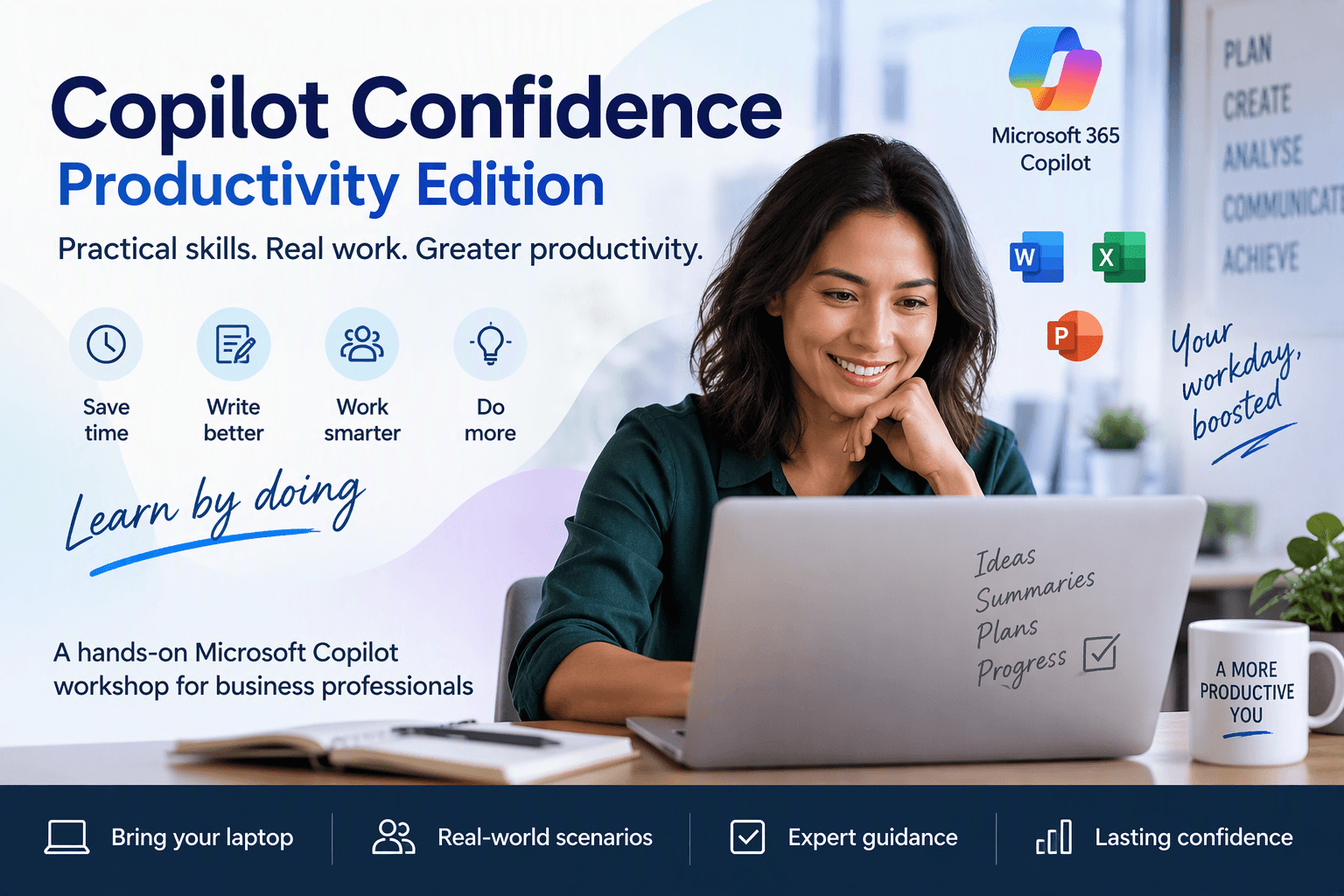
Build practical confidence with Microsoft Copilot
Productivity Edition
Improve how you work with practical prompting, productivity workflows, and real-world business scenarios.
Three-hour practical workshop
09:30–12:30, including a short break
Join your way
In-person or remote attendance
Small cohort
Limited to 20 in-person participants
WHAT YOU’LL LEAVE WITH
What you’ll learn
The workshop focuses on practical application rather than theory, helping you leave with techniques you can start using immediately.
01
Understand how Microsoft Copilot works within Microsoft 365.
02
Create, refine, and improve prompts for more useful responses.
03
Apply Copilot to real business tasks with greater confidence.
04
Develop practical prompting habits for everyday work.
05
Identify opportunities to improve productivity in your own work.
06
Use Copilot more confidently and consistently in your daily workflow.
View workshop dates
WHY COPILOT CONFIDENCE?
Move beyond curiosity and learn by doing.
Many professionals have access to Microsoft Copilot, but aren’t always confident using it effectively in their daily work. This workshop builds practical, repeatable skills that improve productivity and confidence.
This is not a lecture, product demonstration, or technical implementation course. You’ll learn by doing within your own Microsoft 365 environment.
01
Save time and reduce repetitive work.
02
Improve communication, information organisation, and output quality.
03
Prepare for meetings faster and follow up with greater clarity.
View workshop dates
WHO IT’S FOR
For business professionals ready to work smarter with Copilot.
Ideal for knowledge workers, administrative professionals, consultants, project team members, coordinators, customer-facing professionals, and small business owners. No technical background is required.
Everyday knowledge work
You want practical ways to improve communication, content, meetings, and information management.
Curious to confident
You’re ready to move beyond experimenting with AI and build repeatable skills.
View upcoming sessions
KEY FOCUS AREAS
Make Copilot part of the work you already do.
Practical Prompting
Learn simple techniques that help you produce better results from Microsoft Copilot.
Communication & Content
Use Copilot to support emails, reports, business documents, summaries, and presentations.
Information Management
Organise and surface information from across Microsoft 365 more effectively.
Meeting Productivity
Prepare faster, capture actions, and improve follow-up activities.
Daily Workflows
Integrate Copilot into your everyday work rather than treating it as a separate tool.
REGISTRATION DETAILS
Everything you need to participate with confidence.
Your registration includes the practical support, resources, and follow-up access needed to apply the learning in your work.
Live workshop participation
Microsoft Achievement Code
Recording access for 14 days
Workshop materials and resources
Access to practical exercises and activities
Expert instruction from an experienced technology educator
ABOUT THE MICROSOFT ACHIEVEMENT CODE
Your Microsoft Achievement Code is issued for the MS-4021 Copilot Immersion Workshop, based on official Microsoft curriculum. The workshop is delivered with supplemental materials to make the learning experience more relevant to everyday business work.
CHOOSE YOUR EXPERIENCE
Learn in the room or join live from anywhere.
IN-PERSON EXPERIENCE
Learn together in the room.
Attend in a professional workshop environment with direct connection to the instructor and your fellow participants.
Direct instructor interaction and group discussions
Hands-on activities and networking opportunities
Complimentary refreshments during the break
Small-group learning limited to 20 participants
$298 AUD
Including GST
REMOTE EXPERIENCE
Join the workshop live from anywhere.
Stay connected through live participation, interactive demonstrations, and practical workshop activities.
Live-streamed participation and workshop activities
Recording access for 14 days and an Achievement Code upon completion
Questions may be submitted through chat and addressed on a best-effort basis
$275 AUD
Including GST
Register Now
UPCOMING SESSIONS
Choose a session that works for you.
Choose the city that works best for you. Every session is delivered in person, with a live remote stream available for participants who need flexibility.

MEET YOUR INSTRUCTOR
Scott Friend
Technology Enabler
Scott is an experienced cloud and AI educator who specialises in helping professionals develop confidence through practical technology enablement.
CREDENTIALS

Microsoft Certified Trainer
Onboarding Advisor

Champion Authorized AWS Instructor
Authorized AWS Instructor Mentor
With experience spanning Microsoft, AWS, cloud technologies, AI, automation, and instructor development, Scott focuses on helping learners understand not only how technology works, but how to apply it effectively in real-world business environments.
Technology training should build confidence, not confusion.
Do I need prior experience with Microsoft Copilot?
Do I need a Microsoft Copilot licence?
What should I bring?
Is this a technical course?
Will I receive a recording?
What if I can’t attend?
Will there be future sessions?

Occasional ideas, workshop news, and first access to future sessions.
© 2026 Scott Friend Technology